See exactly where users click first

Upload a design, screenshot, or wireframe and find out if users can identify the right action. Get automatic click heatmaps, task success rates, and time-on-task analysis — no coding required.

Self-serve user research lab for your own participants: share a link, embed surveys in your product, or run live website tests on real URLs. See Pricing for current plans.

Everything you need

Run a first click test, analyze results and make confident recommendations.
Works on any device
Your participants will have a great experience on desktop, tablet, or mobile — no app download required.
Quick setup
Upload a screenshot or design, write a task, and define a click target — your study is ready to launch in minutes.
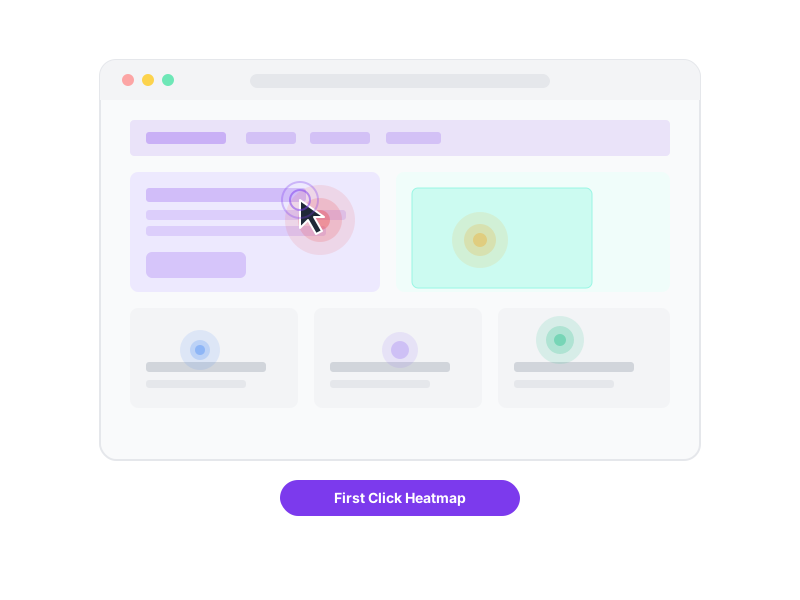
Click Heatmaps
Visualize exactly where participants click on your designs with color-coded heatmaps. Instantly see which areas attract the most attention.
Self-paced participation
Participants complete studies on their own time, at their own pace — just share a link and collect results as they come in.
Task Success Rates
Define correct click targets for each task and get automatic pass/fail scoring. See at a glance which areas of your design are working and which need attention.
Time-on-Task Analysis
Measure how long users take to make their first click. Faster clicks signal clear design hierarchy — longer hesitation reveals confusion.

Pro

Everything included on Pro—see Pricing

Unlimited studies, participants, and team members on Pro. No per-seat fees—see Pricing for current details.

Custom branding

Show your logo on reports and participant screens, and hide the UX Metrics link on thank you pages.

Task randomization

Present tasks in a randomized sequence for each participant to ensure unbiased results.

Participant completion codes

Verify unmoderated results by presenting participants with a unique 4-digit completion code at the end of their session.

Password-protected reports

Make your reports private and add a password for secure sharing with your team and stakeholders.

Export to Excel, PDF, or AI

Download raw data in Excel, a formatted PDF analysis report, or copy results as markdown for AI tools like ChatGPT.

Click target zones

Define rectangular target areas on your designs to automatically score whether participants clicked in the right place.

Easy as 1-2-3

Set up and launch a first click test in minutes, whether you're a complete beginner or a seasoned UX research expert.

1

Create

Upload your design screenshots, write tasks for participants, and define the correct click target areas.

2

Share

Invite participants to your study by providing them with the included shareable link.

3

Discover

Analyze click heatmaps and success rates, then share confident recommendations with your team and stakeholders!

Trusted by over 7,000 smart product people

UX Researchers, Designers, Product Managers, Developers and Academics at organizations of every size around the world rely on UX Metrics.

Set up your first click test in minutes

No credit card required to try. See Pricing when you're ready to upgrade.